Move to GoHighLevel Without Losing
a Single Contact, Deal, or Automation
Leaving HubSpot, Keap, ActiveCampaign, or ClickFunnels? We migrate your contacts, pipelines, and consent data with zero loss, rebuild your automations GHL-natively, and parallel-run the cutover — so leads never stop flowing during the switch.
Does Any of This Sound Familiar?
If you're stuck on an expensive platform because migrating feels risky, these are the fears we remove.
You're Paying 5–10x What GHL Costs
HubSpot Marketing Pro at $800+/month, Keap per-contact fees, ClickFunnels plus five add-on tools — for features GHL includes at $97–$297 flat.
Terrified of Losing Data in the Move
Years of contacts, notes, deal history, and consent records. One botched CSV and your business history is gone.
Your Automations Feel Un-Movable
Dozens of workflows built over years. Nobody remembers how half of them work — how do you rebuild that somewhere else?
Can't Afford Downtime During the Switch
Leads come in every day. A migration that drops the ball for even a week costs more than the platform savings.
There’s a better way. Here’s what we built for businesses like yours.
How Migration Works — From Audit to Cutover in 7–14 Days
Completely done for you. You don’t need to be technical. We handle every step.
Free Migration Audit
We map what you have — contacts, automations, funnels — and what the move involves.
GHL Foundation
Sub-account, phone/A2P registration, sending domains, pipelines, and fields built first.
Data Migration
Contacts, opportunities, notes, and consent status moved and verified against source counts.
Automation Rebuild
Your workflows rebuilt GHL-natively — usually better than the originals.
Parallel Run & Cutover
Both systems live for a week; when GHL runs clean, the old platform retires.
Your GHL Migration — Everything Included
No tools to buy. No developers to manage. One complete done-for-you build.
Migration isn't a CSV import — it's infrastructure, data, automations, and cutover. Every build includes all of it.
Platforms We Migrate From
HubSpot
The most common migration — Marketing Hub costs replaced at feature parity. Deals, lists, and workflows mapped.
Keap / Infusionsoft
Legacy campaigns untangled and rebuilt clean. Per-contact pricing pain ends.
ActiveCampaign / Mailchimp
Lists, tags, and automations moved; email-only stacks upgraded to full CRM + SMS + calendars.
ClickFunnels
Funnels rebuilt in GHL's builder, contacts merged into a real CRM, one subscription instead of five.
Spreadsheets & Legacy CRMs
Excel chaos, Pipedrive, Zoho, or an old industry CRM — normalized, deduplicated, imported.
Multi-Tool Stacks
Calendly + Mailchimp + Typeform + Sheets consolidated into one GHL account.
Why Choose AutomateX360 for Your Migration?
- 100+ GHL builds — we know exactly what your data must become
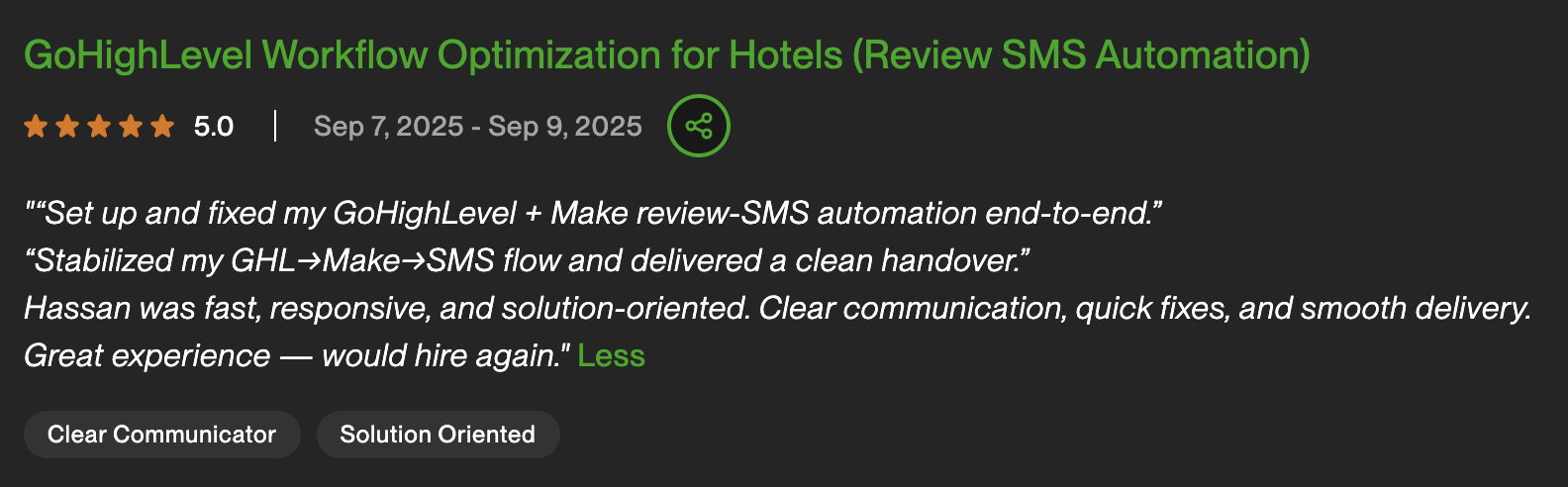
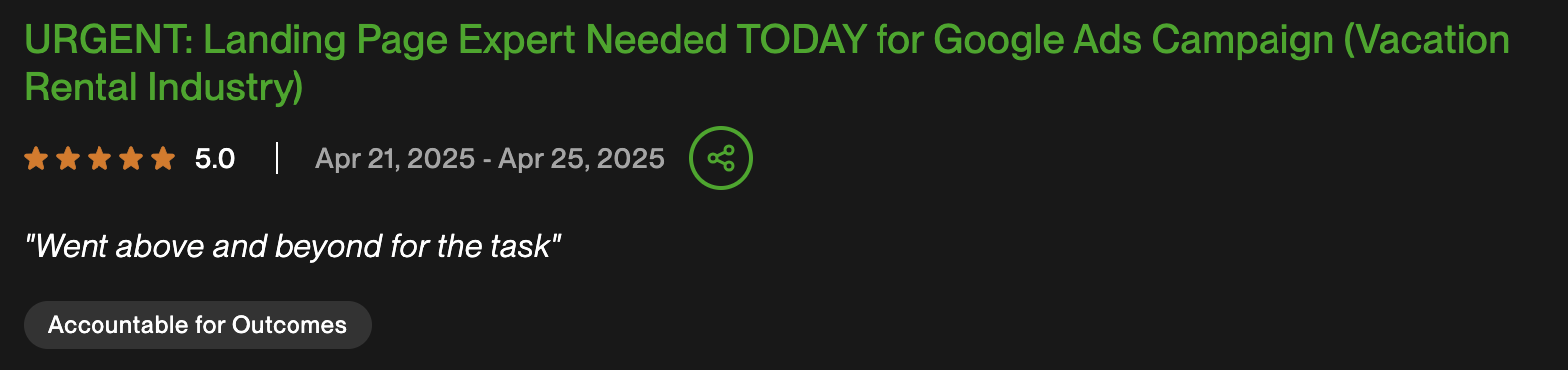
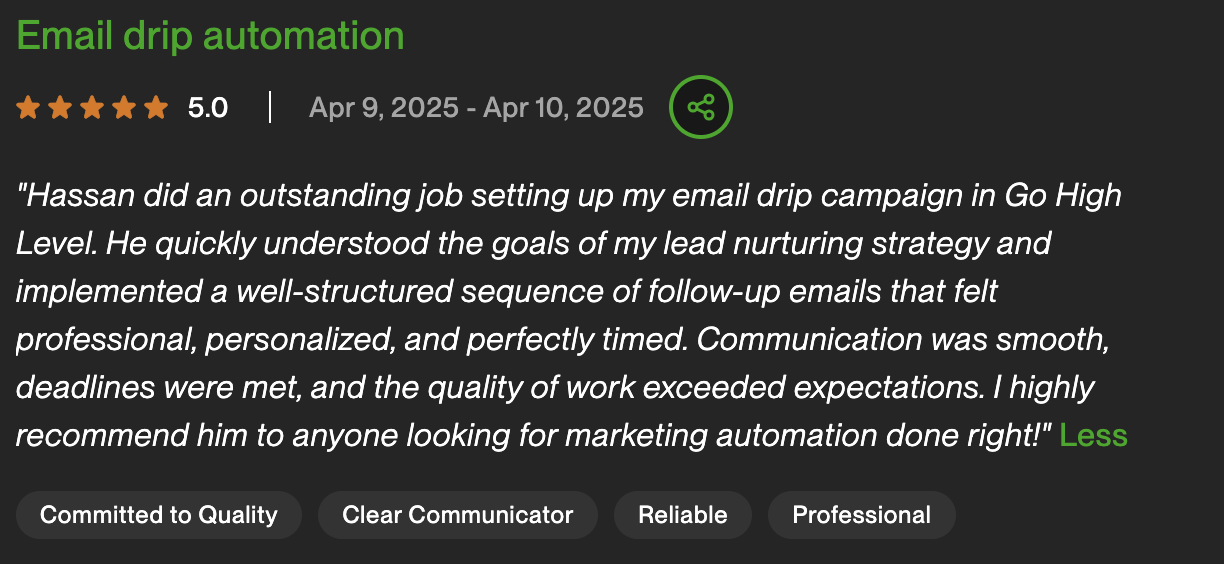
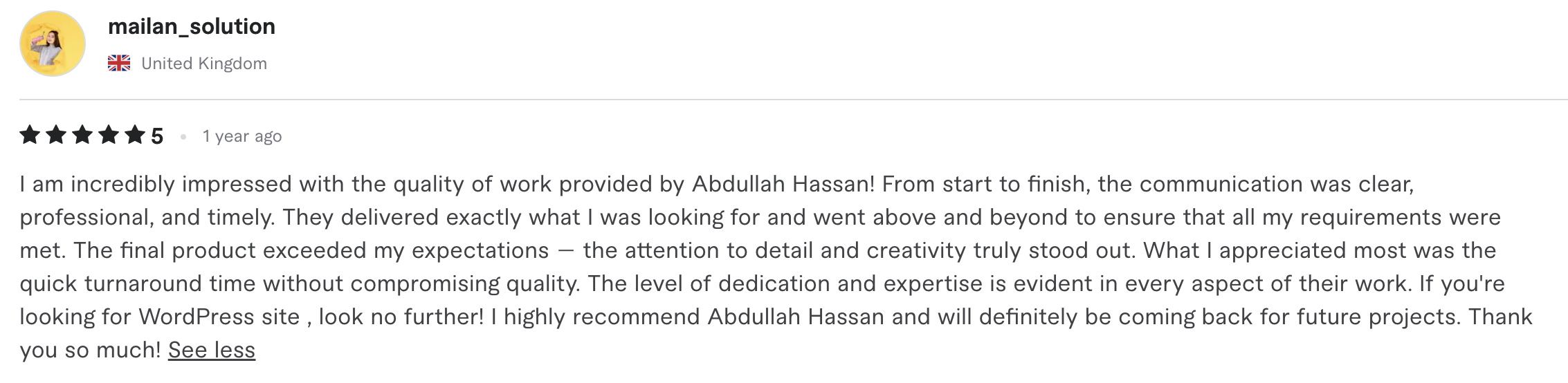
- 4.9/5 rating across 47 verified reviews on Upwork and Fiverr
- Zero-data-loss process: every import reconciled against source counts
- Automations rebuilt properly, not copied badly
- A2P and deliverability handled first — the step DIY migrations botch
- Parallel-run cutover: your lead flow never pauses
The Two Migrations We Run Most
Different source platforms, different traps. Here's how the two most common moves work.
- Contacts + properties via mapped CSV
- Deals → opportunities, stage-for-stage
- Workflows rebuilt GHL-natively
- Meeting links → GHL calendars
- Typical savings: $6k–$15k+/year
- Funnels rebuilt in GHL's builder
- Legacy campaigns untangled & simplified
- Contacts deduplicated into one CRM
- SMS + calendars added (often missing before)
- 5 subscriptions collapse into 1
Coming from something else — Pipedrive, Zoho, Mailchimp, spreadsheets? We've moved them all. The free audit maps your specific path.
Real Clients. Real Results.
Watch what clients say after their system goes live — in their own words.


What Clients Say
Real reviews from real clients — verified on Upwork & Fiverr





Why a Managed Migration Beats DIY
The CSV export is the easy 20%. Here's where the other 80% lives.
| DIY Yourself | Generic Freelancer | Best Choice AutomateX360 |
|
|---|---|---|---|
| Data integrity | Hope the import worked | Spot checks at best | Counts reconciled, verified |
| Consent/compliance mapping | Usually forgotten | Rarely understood | DND & opt-outs carried over |
| Automation quality | Lift-and-shift copies | Generic rebuilds | GHL-native redesigns |
| A2P & deliverability | Discovered too late | Not in scope | Configured first, day one |
| Email warm-up | First blast hits spam | Skipped | Planned volume ramp |
| Downtime risk | Days of gaps | Fingers crossed | Parallel-run, zero gaps |
| Time investment | 20–40 hrs of your time | Weeks of back-and-forth | 7–14 days, done for you |
Industries We've Migrated to GHL
Every build is fully customized — flows, qualifiers, and tone tailored to your industry. Not a generic template.
Don’t see your industry? We’ve worked in 20+ verticals. Book a free audit — we’ll tell you if this is the right fit.
GoHighLevel Migration FAQ — Common Questions Answered
What can you migrate into GoHighLevel?
Contacts with all custom fields and tags, deal/opportunity pipelines, notes and key activity history, consent and unsubscribe status, forms, and calendars. Automations and email templates can't be copied between platforms — we rebuild them GHL-natively, which is where most of the engagement's value lives.
Will I lose any data in the migration?
No. Every import is reconciled against source export counts — contacts, opportunities, and tags are verified to match before we proceed. Consent records (unsubscribes, DND) are mapped explicitly so you stay compliant.
How long does a GoHighLevel migration take?
Typically 7–14 days: foundation setup and A2P registration first, data migration and verification by mid-engagement, automation rebuilding through the second week, then a parallel-run week before final cutover. Complex multi-tool consolidations can run to 21 days.
Will my lead flow stop during the switch?
No — that's what the parallel run prevents. Your old system keeps working while GHL comes online; new leads route to GHL only once it's processing real traffic cleanly, and the old platform retires after a clean week.
Do my HubSpot/Keap automations transfer automatically?
No platform allows workflow exports — automations are rebuilt. In practice this is an upgrade: we cut dead workflows and rebuild the survivors with GHL-native patterns like missed-call text-back and SMS-first nurture that your old platform couldn't do.
What about my email deliverability after moving?
Every migration includes dedicated sending-domain setup (DKIM/SPF) and a warm-up plan that ramps volume gradually — the step DIY migrations skip right before their first campaign lands in spam.
How much does migration cost — and what do I save?
Migration is a one-time project fee scoped on the free audit. Against it: teams leaving HubSpot Marketing Pro typically save $6,000–$15,000+/year, and multi-tool stacks usually collapse 4–6 subscriptions into GHL's $97–$297/month.
Can you migrate my agency's clients too?
Yes — agency migrations move multiple client accounts into sub-accounts under your agency plan, usually with a snapshot built from the first migration so the rest deploy faster.
Start With a Free Audit — Zero Risk, Zero Commitment
We show you exactly what your system would look like before you commit to building it.

Not a sales rep. Not an account manager. The person who personally built 100+ AI systems reviews every audit request and runs the call himself.
What happens on the free audit call (45 min):
- We inventory your current platform live — contacts, automations, funnels, and integrations that need to move (15 min)
- We map your specific migration path and flag the traps (consent data, deliverability, automation complexity) (15 min)
- You get a written migration plan with timeline and cost — execute it with us or keep it either way (15 min)
Stop Overpaying for a Platform You've Outgrown
Every month you stay is another $500–$1,000 burned on features GHL includes. The migration you're worried about takes two weeks and loses nothing.
Book Free Migration AuditStart here
Tell us what you’re moving off
Name the platform, the record count and the renewal date. You get a migration plan with what carries across and what does not.
- Free, 45 minutes, no obligation.
- We reply within 24 hours.
- You get a written scope before anything is touched.
Would rather talk? Book the free audit call instead.