A CRM Is a System, Not a Subscription.
We Build the System Part
Buying CRM software takes five minutes; making it run your sales process is the actual work. We set up your CRM end-to-end — pipelines that match how you sell, data imported clean, automation that follows up, and a team that actually uses it.
Does Any of This Sound Familiar?
Whether you have no CRM or an abandoned one, these are the symptoms of software without a system.
Your Real CRM Is a Spreadsheet and Memory
Leads live in phone contacts, inboxes, and a sheet someone updates sometimes. Follow-up happens when someone remembers. Deals die in the gaps.
You Bought a CRM That Nobody Uses
The subscription renews monthly; the last login was August. Software without configuration and training becomes shelf-ware every time.
Pipelines That Don't Match How You Sell
Default stages like 'Prospect → Negotiation' mean nothing for your estimate-based or consult-based business, so nobody maintains them.
All Data Entry, No Automation
Your team types everything in and gets nothing back — no automatic follow-up, no reminders, no reason to keep the CRM honest.
There’s a better way. Here’s what we built for businesses like yours.
How CRM Setup Works — From Audit to Adopted System
Completely done for you. You don’t need to be technical. We handle every step.
Free CRM Audit
We map your sales process and current tools — and what a CRM must do for YOU.
Architecture
Pipelines, stages, custom fields, and tags designed around your actual sales motion.
Data Import
Contacts from sheets, inboxes, and old CRMs — cleaned, deduplicated, imported.
Automation Layer
Follow-up sequences, reminders, and notifications wired so the CRM works for the team.
Training & Handoff
Live team training, recorded walkthroughs, and 30 days of support.
Your CRM Setup — Everything Included
No tools to buy. No developers to manage. One complete done-for-you build.
Every build covers architecture, data, automation, and adoption — because a CRM missing any one of the four fails.
What We Configure in Every CRM Build
Pipelines & Stages
Deal flows that match reality — so the pipeline stays maintained instead of abandoned.
Contacts & Data
One clean record per human, with the history and fields your follow-up needs.
Automation
The sequences that make the CRM give back: follow-up, reminders, and reviews on autopilot.
Calendars & Booking
Self-booking, routing, and no-show machinery integrated with the pipeline.
Integrations
Forms, ad platforms, phones, and your other tools feeding the CRM automatically.
Reporting
The numbers an owner actually checks: pipeline value, source ROI, response times.
Why Choose AutomateX360 for CRM Setup?
- 100+ CRM systems built personally by founder Abdullah Hassan
- 4.9/5 rating across 47 verified reviews on Upwork and Fiverr
- Process-first method: the CRM fits your sales motion, not vice versa
- Automation included — your team gets value back, so adoption sticks
- Compliant infrastructure (A2P SMS, DKIM email) from day one
- Training and 30-day support standard in every build
Which CRM Do We Set Up? Usually GoHighLevel — Here's the Honest Why
We're platform-opinionated for SMBs, and transparent about the reasoning.
- CRM + funnels + SMS + calendars + email in one
- $97–$297/month flat, unlimited users
- Automation deep enough to matter
- AI voice & chat integrations native
- Replaces 4–6 separate subscriptions
- Sometimes the right call to keep
- We audit before recommending a switch
- Optimization & automation on what you own
- Or a clean migration if the math says move
- Honest advice either way
If your current CRM genuinely fits, we'll optimize it rather than sell you a migration. The audit call settles it with your numbers.
Real Clients. Real Results.
Watch what clients say after their system goes live — in their own words.


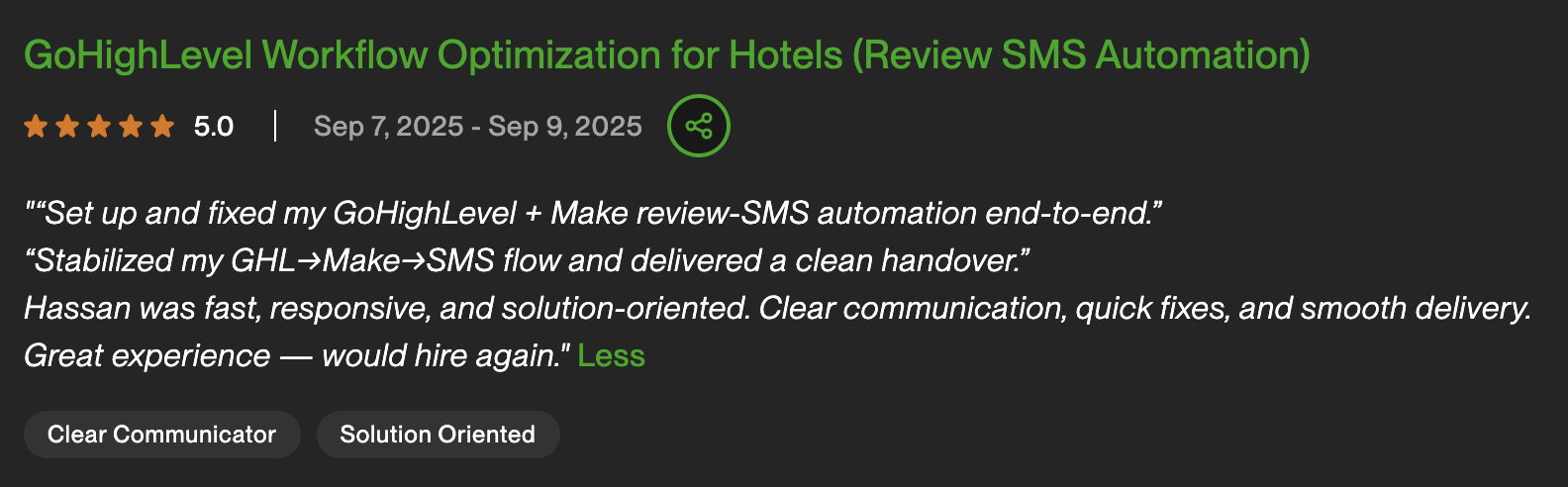
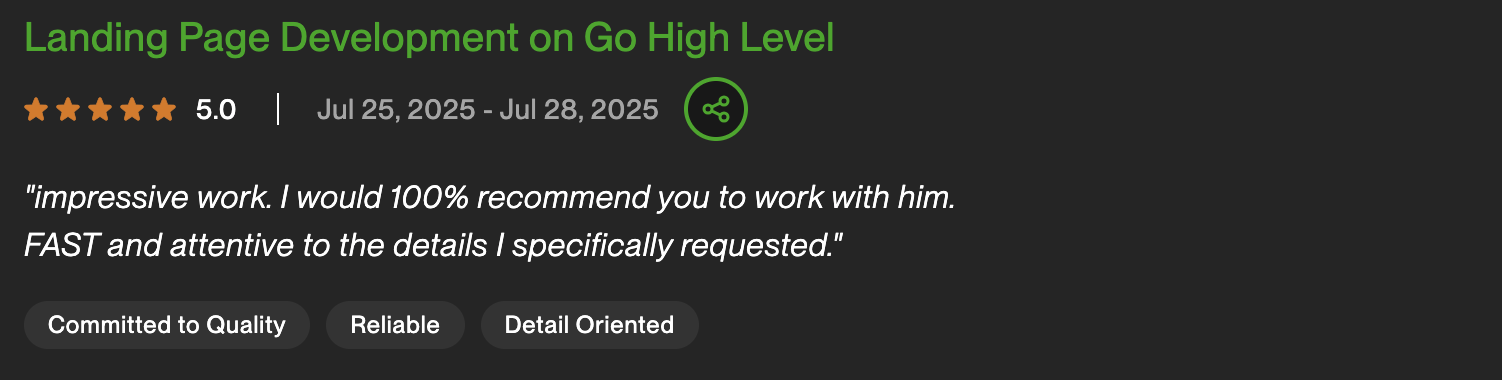
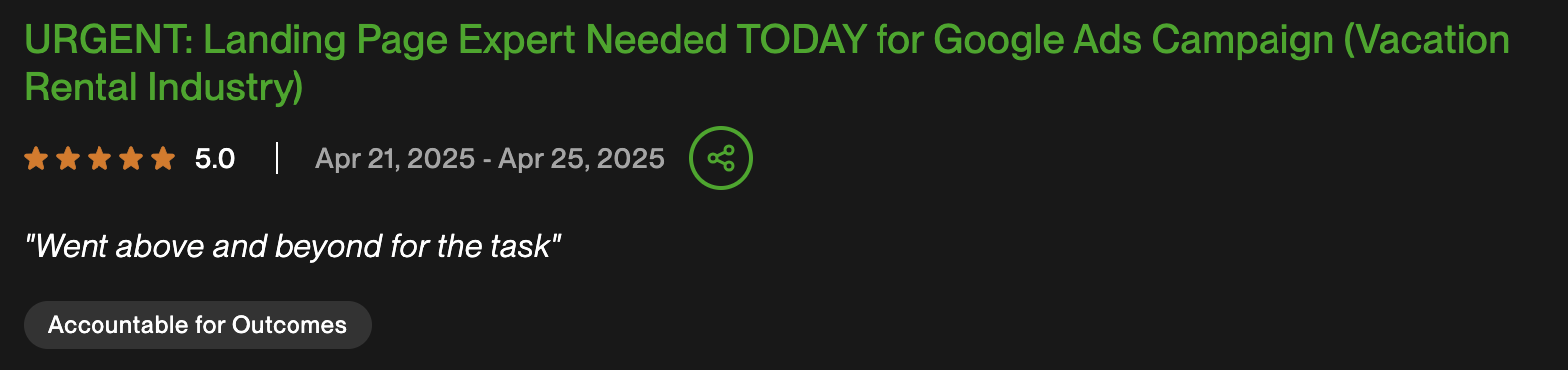
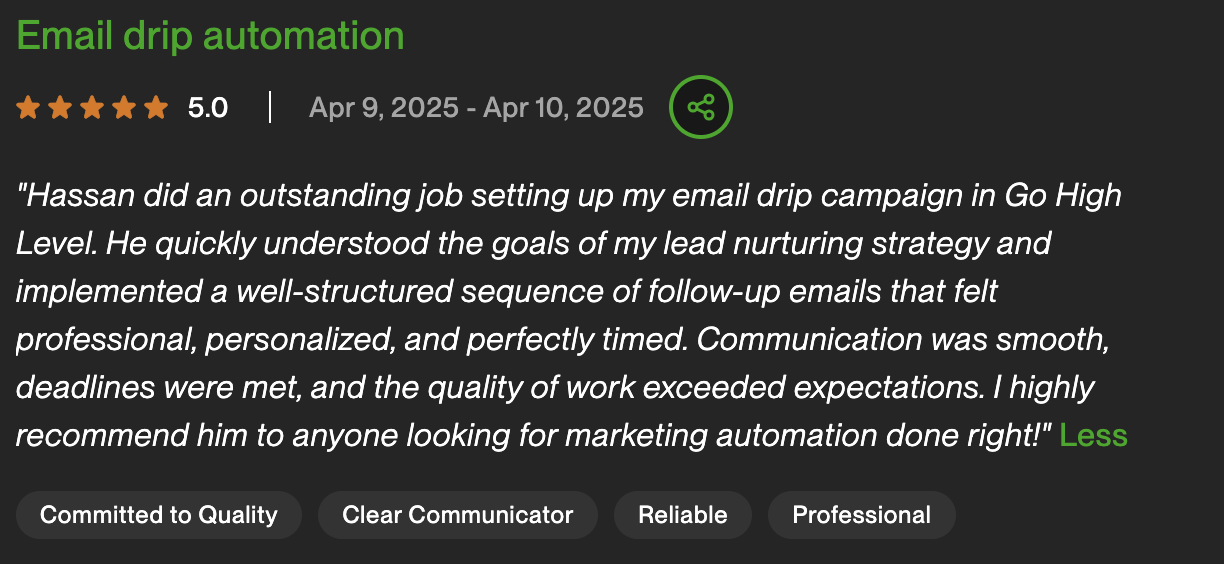
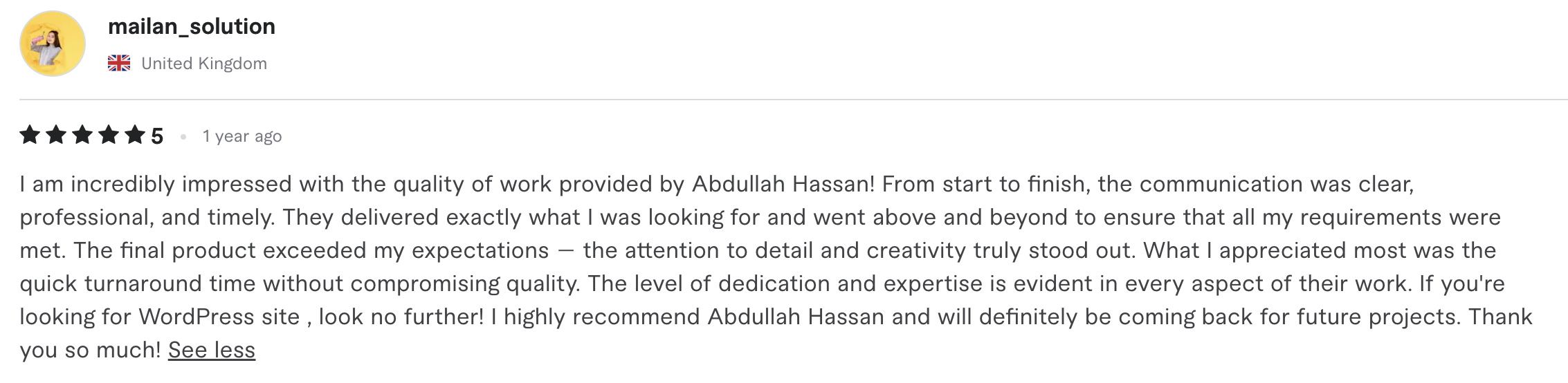
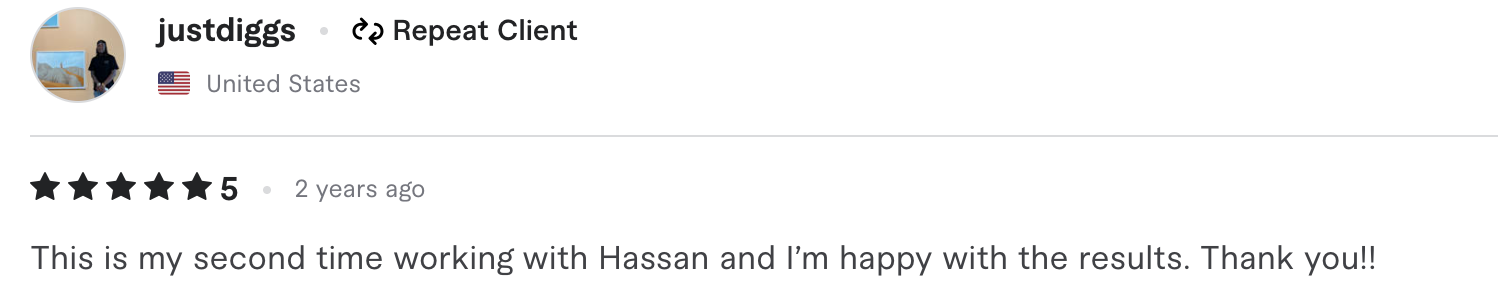
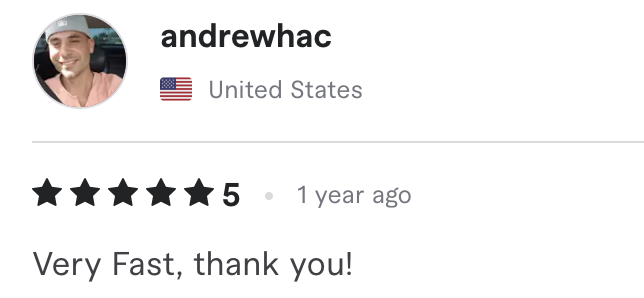
What Clients Say
Real reviews from real clients — verified on Upwork & Fiverr


Professional Setup vs Winging It — The Honest Comparison
The failure mode isn't picking the wrong CRM — it's implementing any CRM without a system.
| DIY Yourself | Generic Freelancer | Best Choice AutomateX360 |
|
|---|---|---|---|
| Pipeline design | Default stages, unused | Copied templates | Matched to your sales motion |
| Data quality | Duplicates everywhere | Dumped, not cleaned | Deduplicated & mapped |
| Automation | Someday | 1–2 basic zaps | Full follow-up pack, day one |
| SMS/email compliance | Discovered when filtered | Skipped | A2P + DKIM configured |
| Team adoption | Fades in 3 weeks | No training included | Trained + supported 30 days |
| Time to working system | Months, maybe never | 4–8 weeks | 7–14 days |
| Total cost | Subscription + wasted months | Cheap build, rebuilt later | Built once, properly |
Industries We Set Up CRMs For
Every build is fully customized — flows, qualifiers, and tone tailored to your industry. Not a generic template.
Don’t see your industry? We’ve worked in 20+ verticals. Book a free audit — we’ll tell you if this is the right fit.
CRM Setup FAQ — Common Questions Answered
What does a CRM setup service actually include?
Pipeline architecture matched to your sales process, custom fields and tagging, cleaned data import from your current tools, calendars and booking, a core automation pack (instant lead response, quote follow-up, no-show recovery, review requests), compliant SMS/email infrastructure, dashboards, and team training with 30 days of support.
Which CRM do you recommend for a small business?
For most service businesses, GoHighLevel — it consolidates CRM, funnels, SMS, email, and calendars at $97–$297/month flat and supports the automation depth that makes a CRM pay for itself. But if your existing platform genuinely fits, we'll optimize it instead of selling you a switch.
How long does CRM implementation take?
7–14 days for a typical service business: architecture and data in week one, automation and calendars in week two, then training and handoff. Complex multi-team or multi-location builds can run to 21 days.
Can you import our existing contacts and deals?
Yes — from spreadsheets, inboxes, and legacy CRMs (HubSpot, Pipedrive, Zoho, Keap, and others). Data is deduplicated, mapped to the new field structure, and imported with unsubscribe/consent status respected.
Why do CRMs fail in small businesses?
Four missing pieces: pipelines that don't match how the business sells, dirty data nobody trusts, zero automation (all entry, no payback), and no training. Setup that addresses all four is why professionally implemented CRMs get used and DIY ones get abandoned.
Will my team actually use it?
That's the design goal: automation gives them value back (leads answered, reminders sent, follow-up handled), pipelines match their real workflow, and training plus recorded walkthroughs remove the learning cliff. Adoption is a build requirement, not a hope.
What does CRM setup cost?
A one-time build fee scoped on the free audit, plus your platform subscription. Compare against the cost of the current leak — missed follow-up, lost quotes, no-shows — which the audit quantifies with your numbers.
Do you also handle CRM migration from our old system?
Yes — migration (data, pipelines, and automation rebuilt) is either part of setup or a dedicated engagement for complex moves. See our CRM migration service for the zero-data-loss process.
Start With a Free Audit — Zero Risk, Zero Commitment
We show you exactly what your system would look like before you commit to building it.

Not a sales rep. Not an account manager. The person who personally built 100+ AI systems reviews every audit request and runs the call himself.
What happens on the free audit call (45 min):
- We map your sales process and current tools — where leads come from and where they leak (15 min)
- We show you CRM builds from businesses like yours, pipelines to dashboards (15 min)
- You get a build plan with platform recommendation and costs — yours to keep either way (15 min)
Your Sales Process Deserves a System
Every week on spreadsheets-and-memory, deals die in the gaps. Two weeks from now the machine could be running — book the free audit.
Book Free CRM Audit